PROJECT NEO
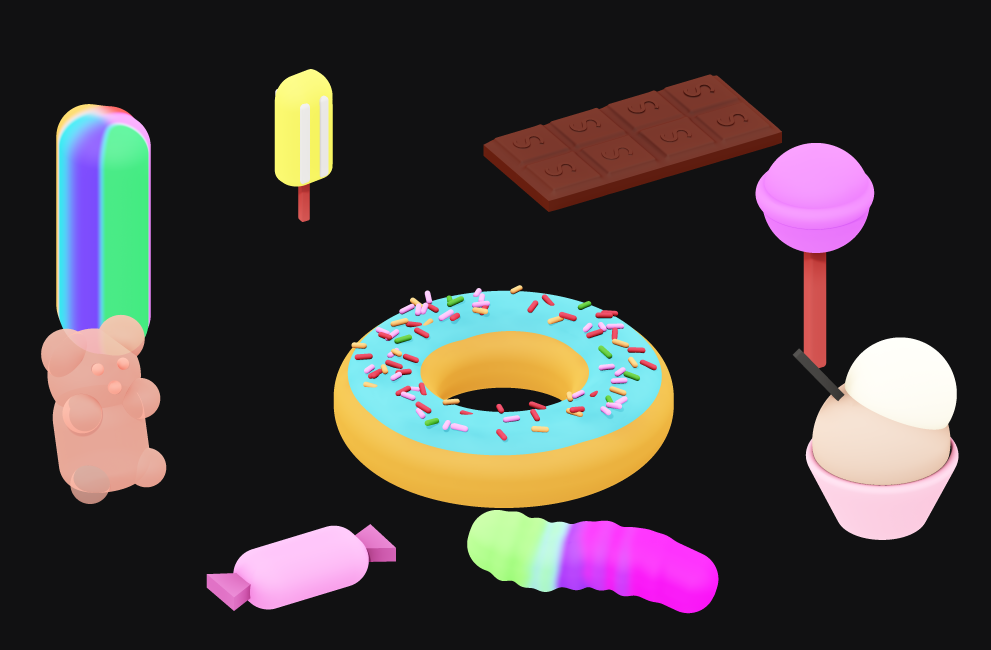
Adobe Project Neo is a web app that lets users create 3D designs for graphics, illustrations, and more. It’s designed to be easy to use and works with Creative Cloud apps.
• Create 3D shapes: Create volumetric shapes, icons, drawings, and geometric artwork
• Adjust lighting and shadows: Make dynamic adjustments to lighting and shadows in real-time
• Explore designs from any angle: View designs from any 3D angle
• Export designs: Export designs to SVG, PNG, JPEG, or MP4
• Collaborate: Share a link to your Neo artwork and review it together from a web browser
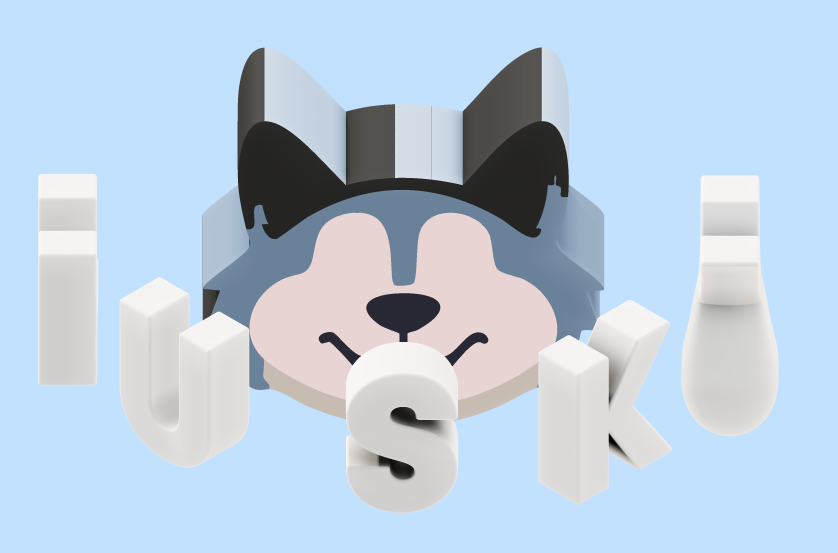
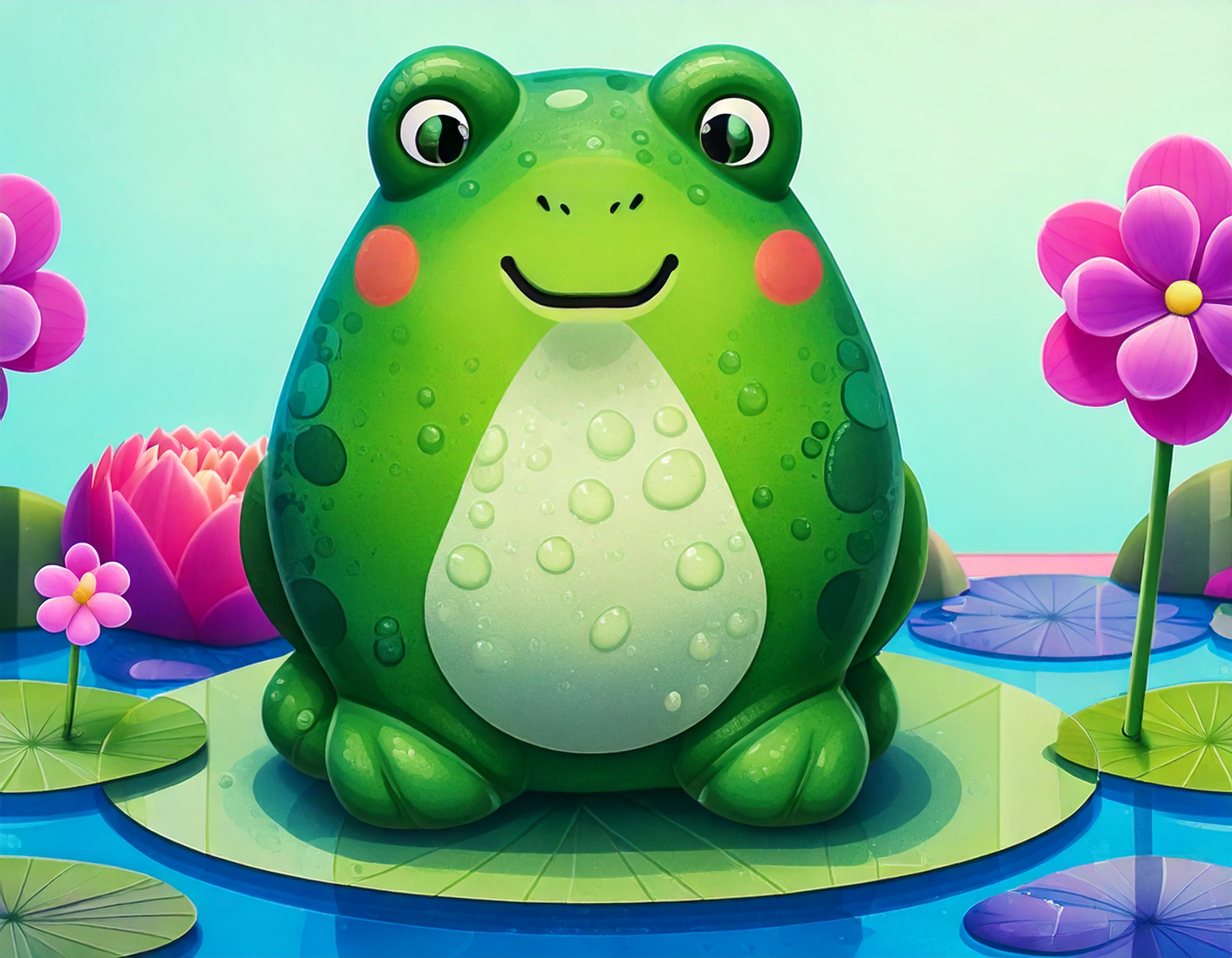
KITTY EXAMPLE FOR NEO
8 • USING PROJECT NEO
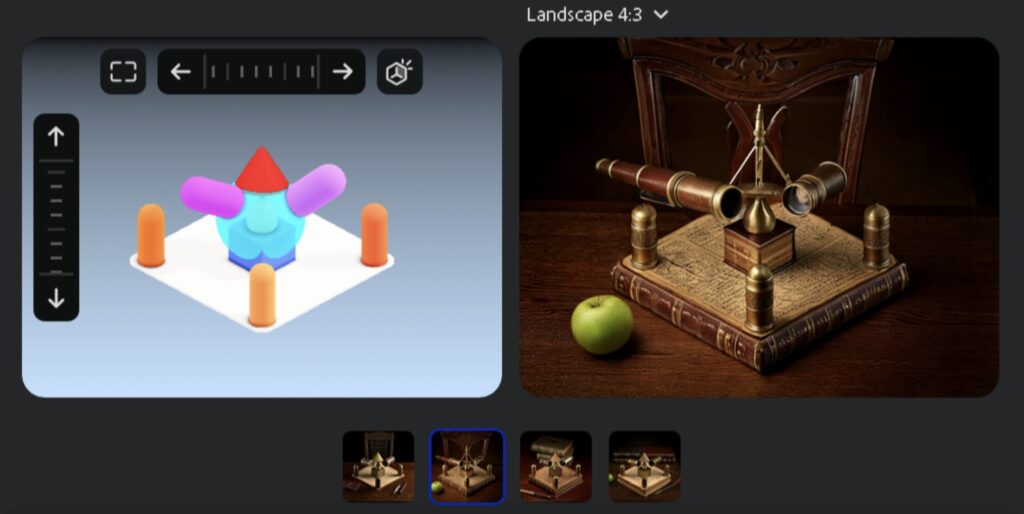
1) Create an object with 10 satellite objects floating around it.
A) Generate the turntable as an MP4 and upload it to Dropbox.
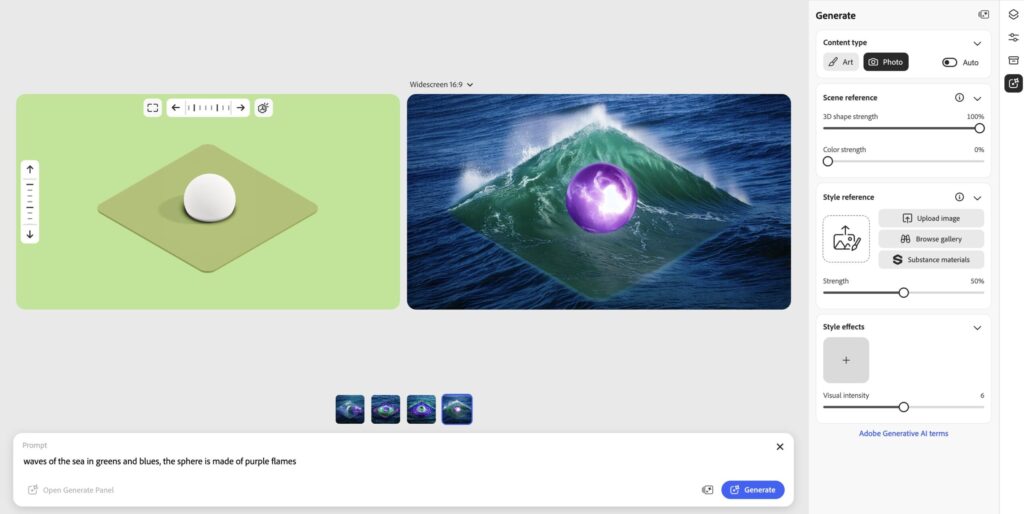
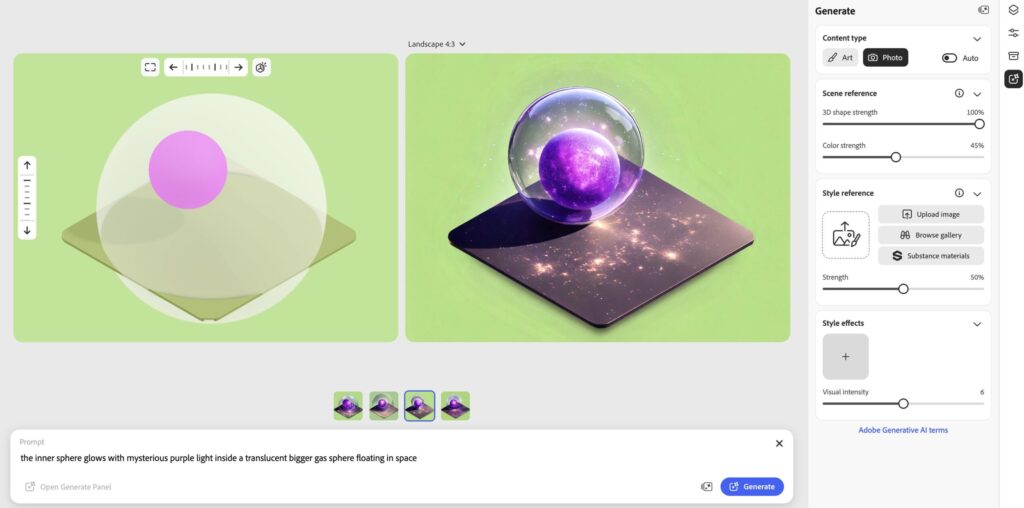
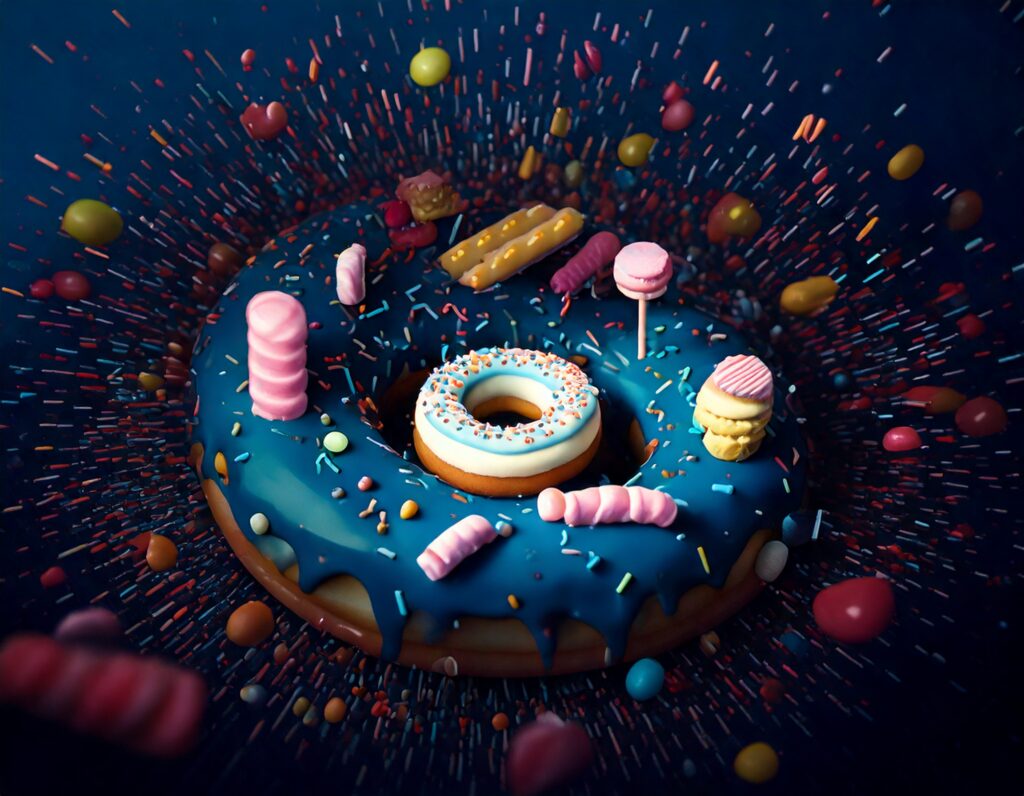
B) use the Generative AI tools in NEO to transform your 3D design into a 2D realistic image, using an efficient and precise prompt.
Explore Photo / Art versions. I need to see the prompt and export each one of the 4 variations Neo provides.
2) Explore the typographic properties of Project Neo: blend and transform fonts, in 3D.
USE THE UNIVERSAL STUDIOS LOGO AS AN EXAMPLE TO PLACE AT LEAST 15 CHARACTERS orbiting around a main shape that will NOT be a simple primitive.
Make sure the width and height of the viewport is MAX 1080px.
Share both projects as MP4 Turntable, and upload also the PNGs to DropBox.
You are more than welcome to create more than 2 projects. I need to see that you experimented with the tool and learned how to use it.